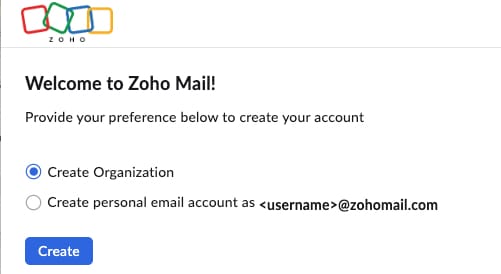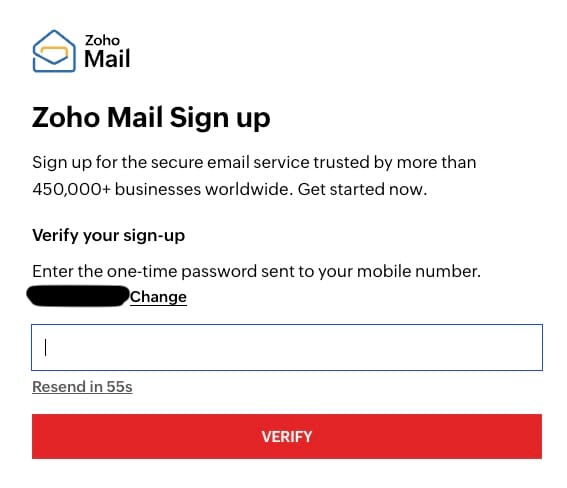
So you have created a FREE Zoho Mail plan but you actually need to have a paid plan to be able to connect your domain name and access the mailbox from a separate email client (such as Gmail, Outlook or Mac Mail.
Don't worry it's super easy to upgrade your account.
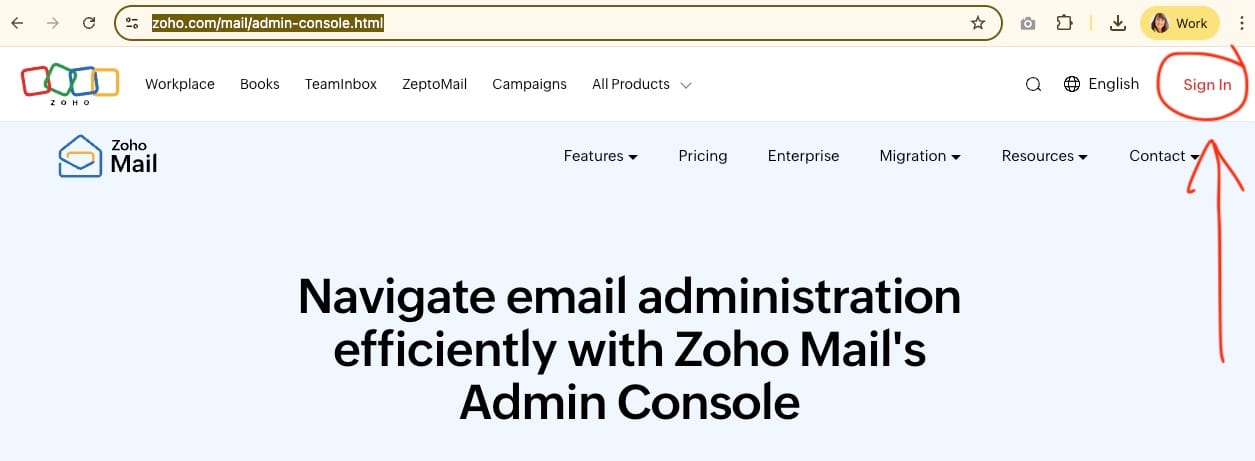
1. Sign into your Zoho Mail account via https://www.zoho.com/mail/admin-console.html
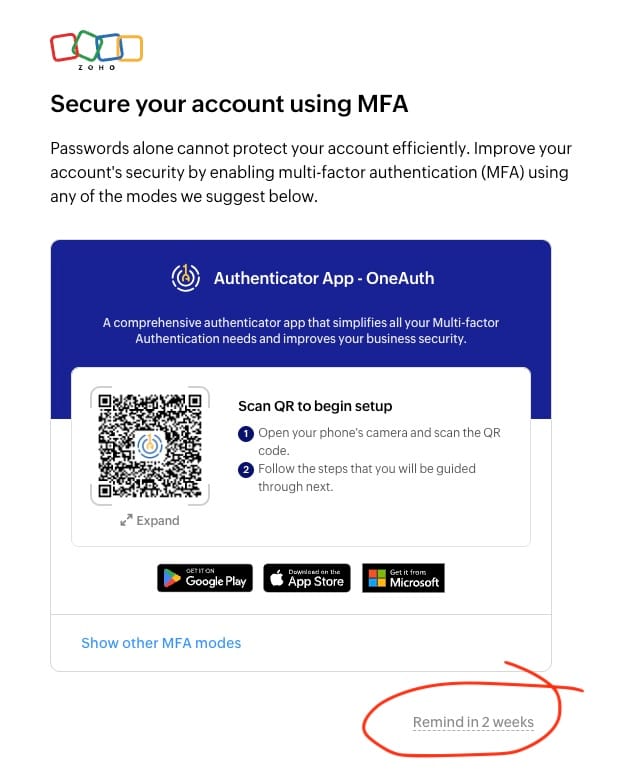
2. For now, skip the 2-factor authentication page...
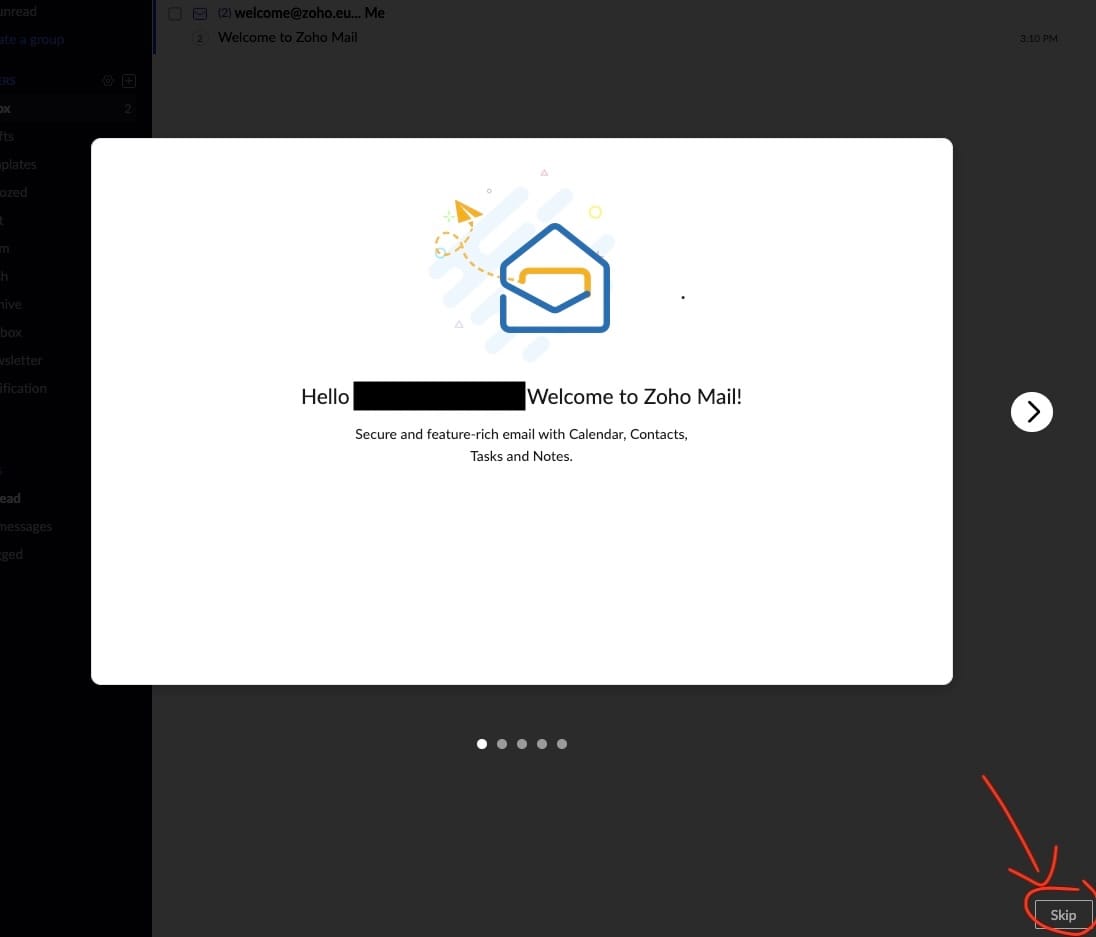
3. It may then pop up with a tour - just skip.
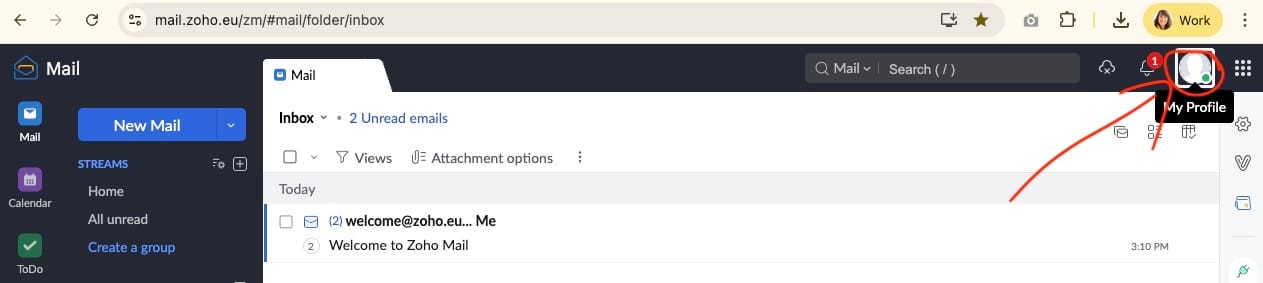
4. Now click on your profile picture in the top right.
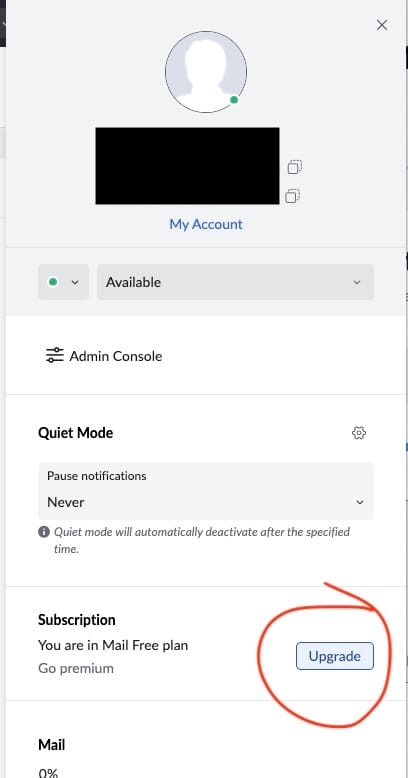
5. And in the slide-in panel, go to the subscription section and hit UPGRADE
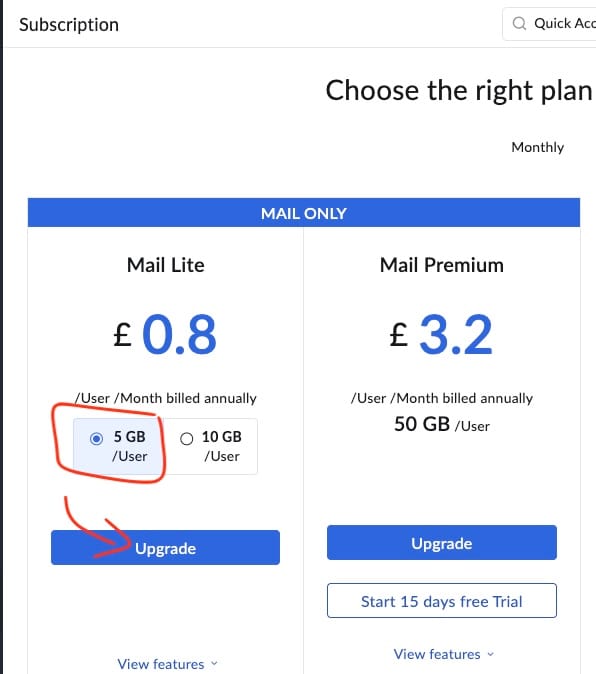
6. Then make sure 5GB is selected (the default is 10GB) and then click UPGRADE.
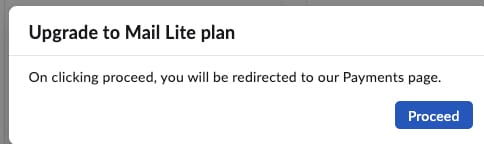
7. Click PROCEED to go to the payments page, and complete the payment.
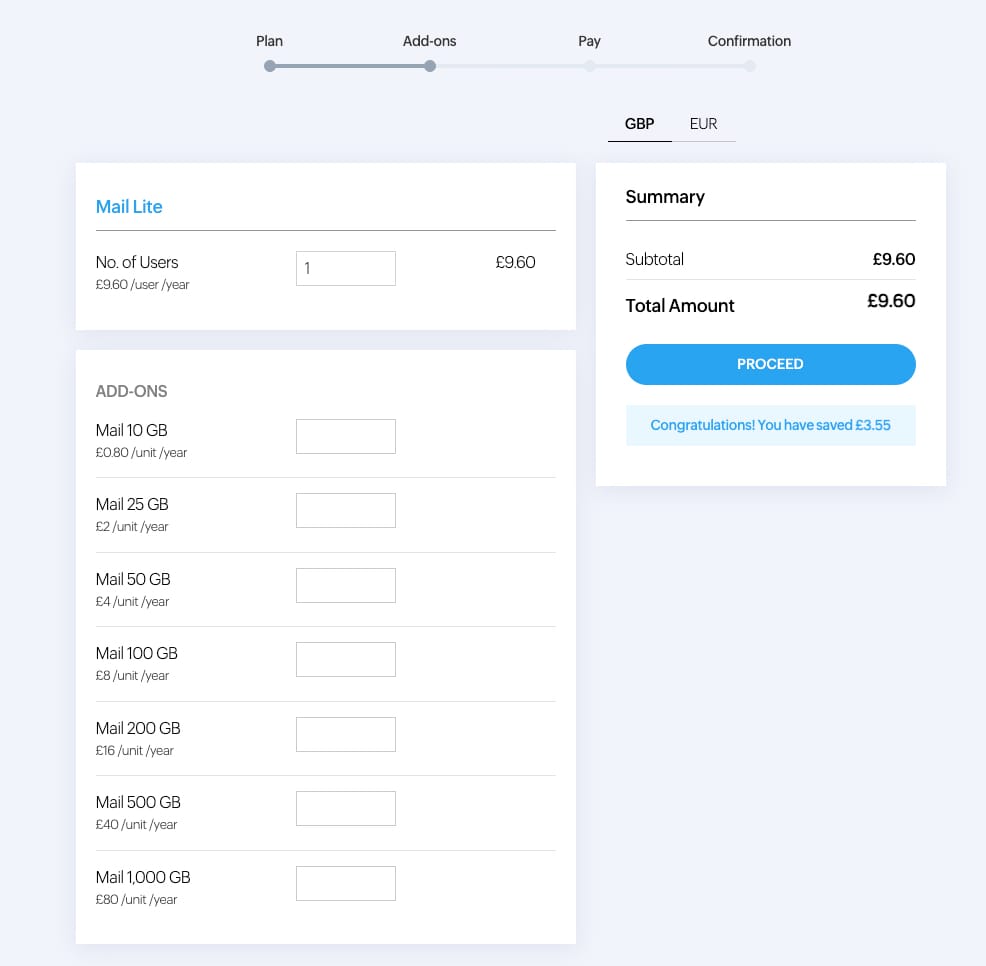
8. You then select how many mailboxes you need - in most cases, 1 is fine - then proceed to payment.
9. Once the payment is complete, you are ready to set up your IMAP access to the account. For Webzang Clients, log out of your Zoho account at this point and let me know so I can complete the set-up for you.