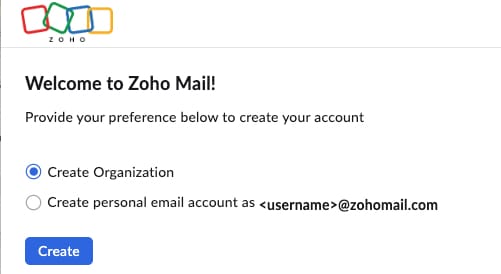
First you need to create a Zoho account
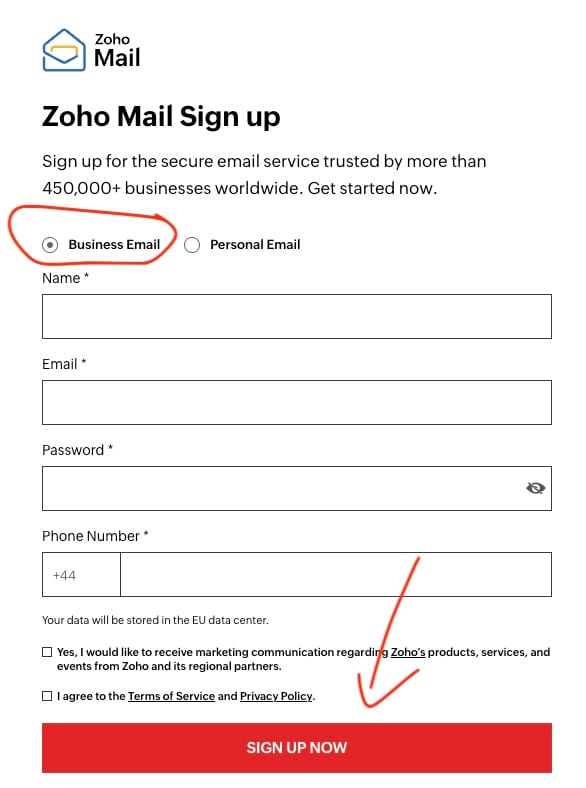
Authentication
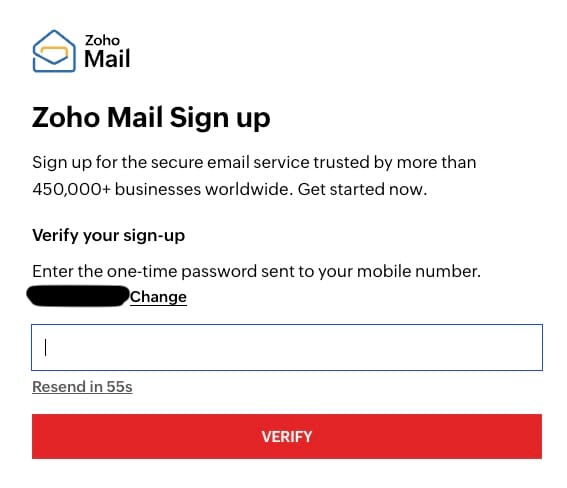
You will then get a 2-factor authentication code sent to your phone. Verify it immediately.
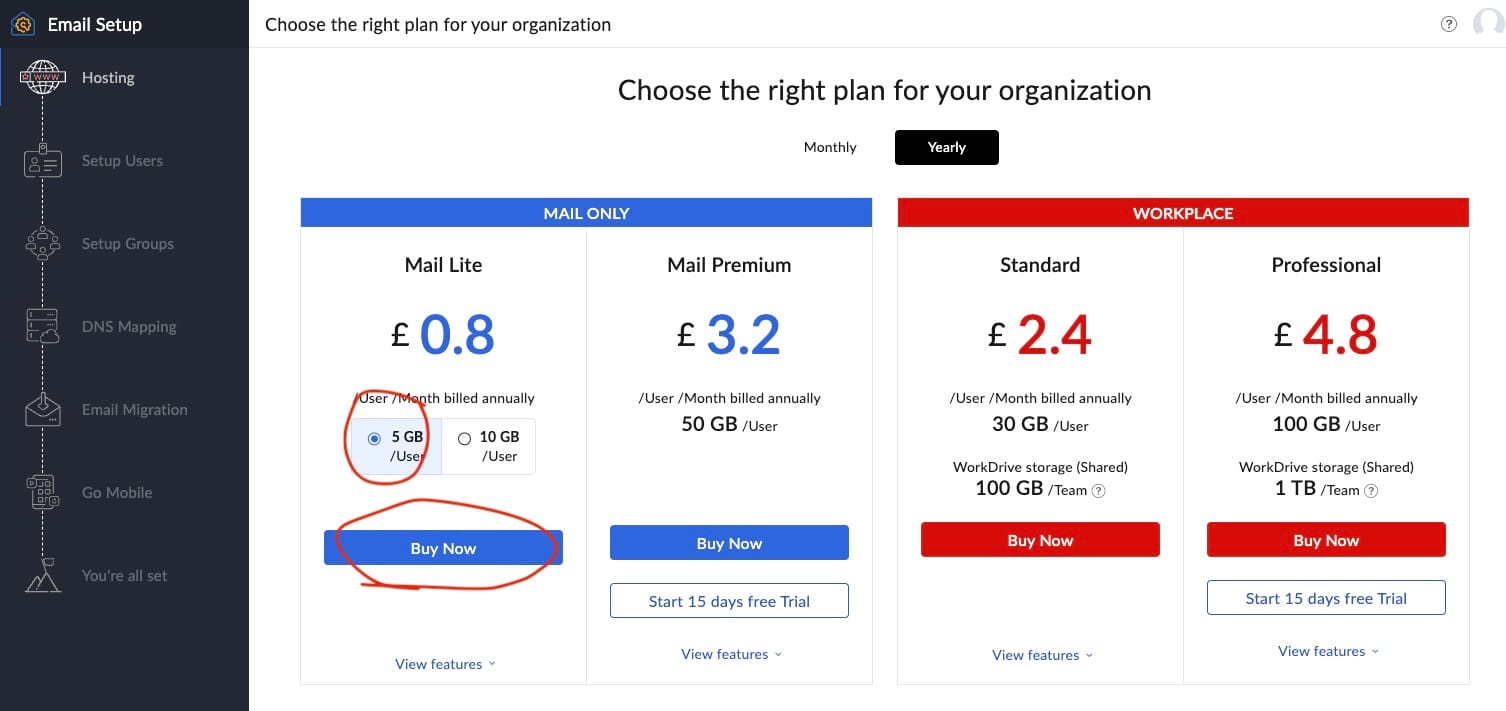
Select Plan
Select the 5GB plan on Mail Lite and click the blue BUY NOW button
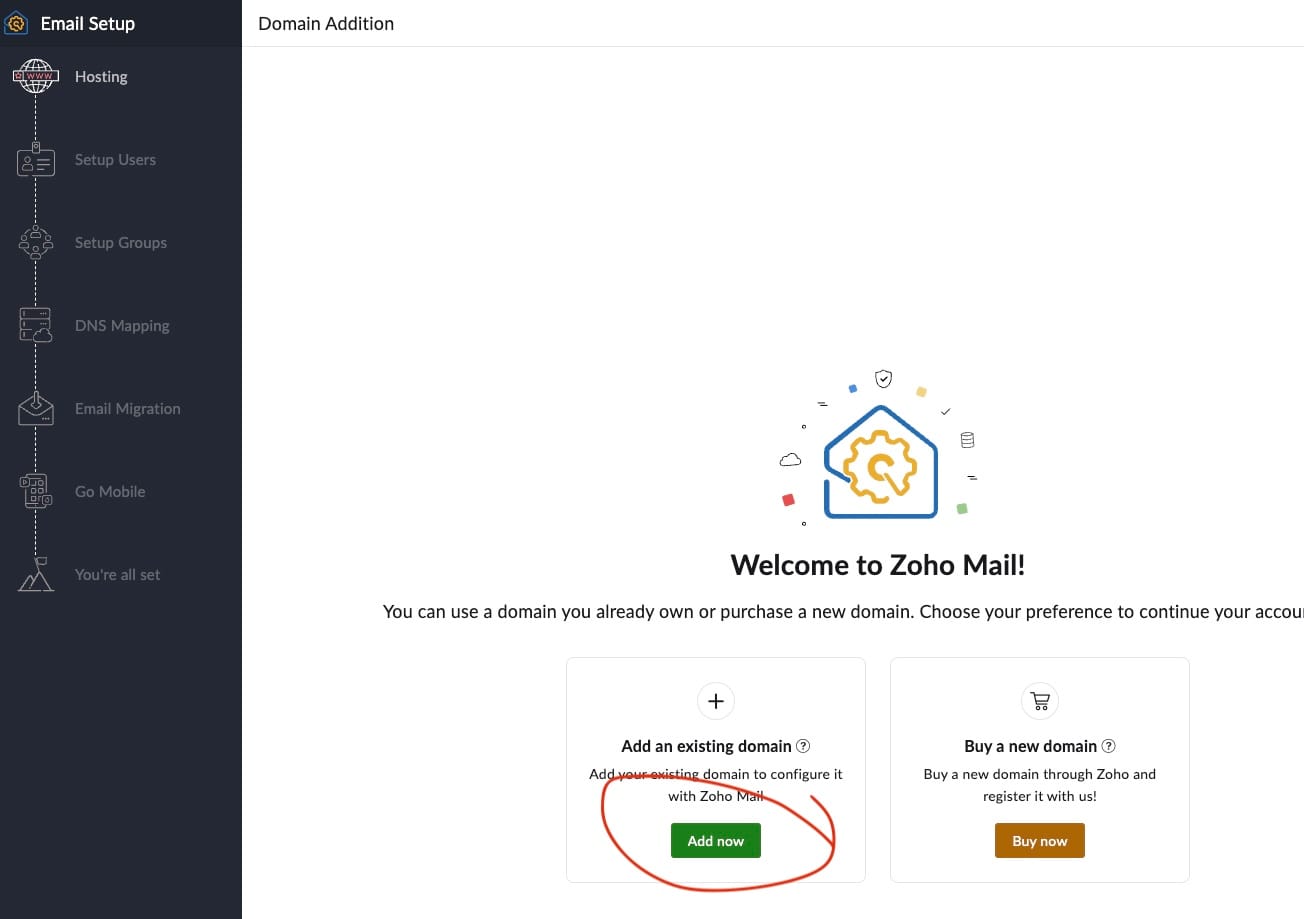
Add domain
You will be connecting your existing domain so select the left-hand option – ADD DOMAIN
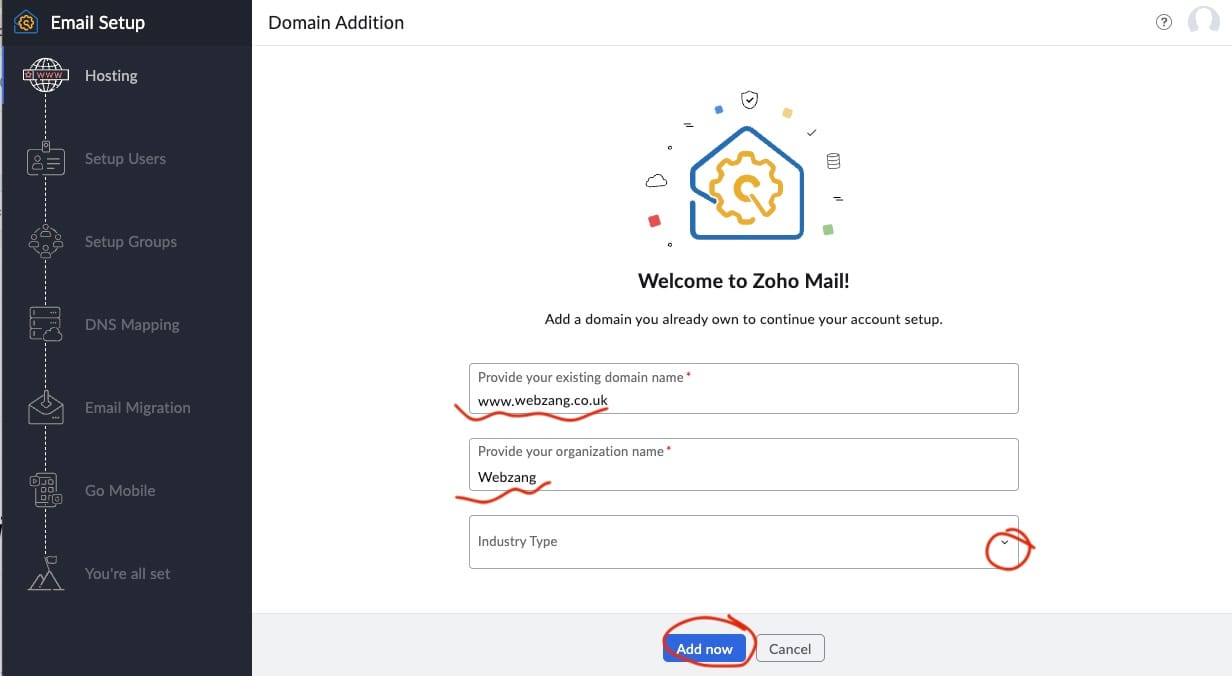
Add your domain, strip out any https:// or trailing /, Add your organisation name and pick an industry that closest matches your business.
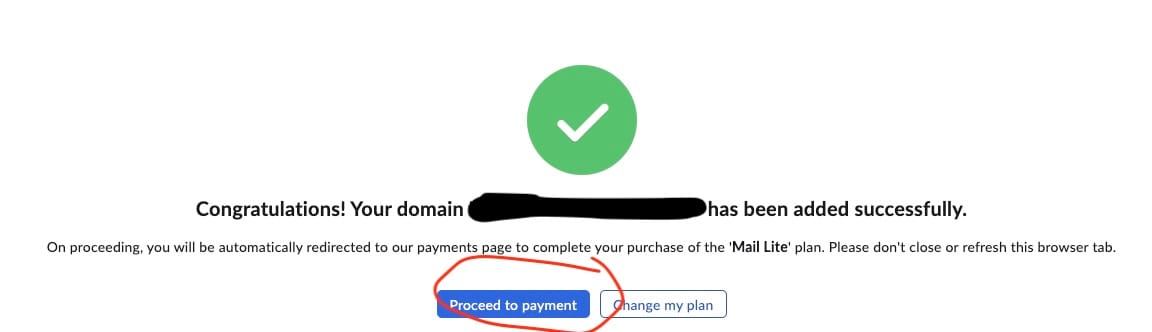
Proceed to checkout
Once you have added your domain you will be prompted to Proceeed to payment.
At this stage, you can add as many users you need. This will give you a mailbox for each user so if you have multiple staff, each user needs a mailbox.
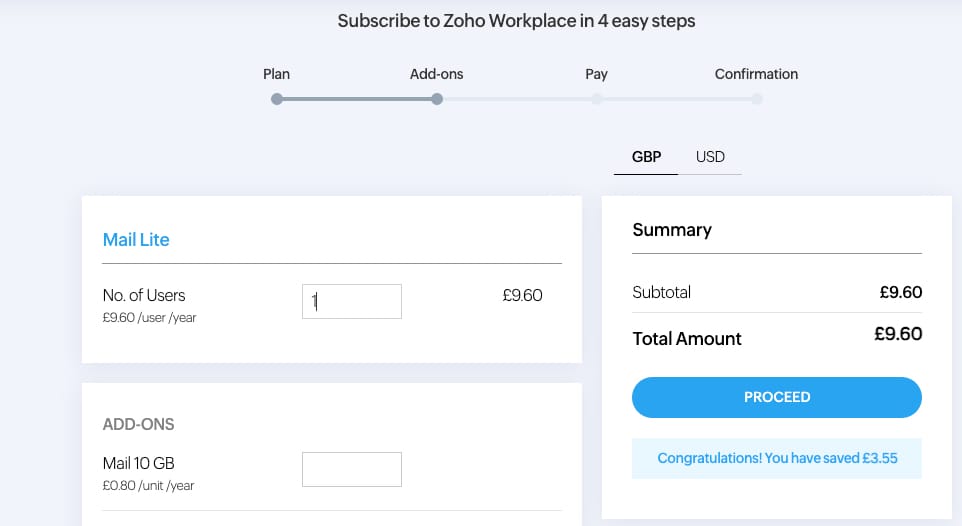
You can also have a single mailbox that has a few different email addresses all being forwarded to a single mailbox.
Then hit PROCEED and go through the checkout process.
Once you have done this, you are ready to set up the email addresses and the Mailboxes.


